This is something I see that constantly annoys me.
The idea
occasionally I see a TV in the morning, often they mention ‘recipes on our website’. Which is good because they rush it on TV with the presenters messing about too.
Upon visiting the site on mobile, then waiting for it to ‘settle’, which is a term I use when sites move itself around trying to adjust itself for device screen sizes, I found it completely annoying to read.
I thought it’d be easier to have the information on a ‘tab’ type system, tab one would be images and long description. Tab2 will have the ingredients (to make shopping easier), with ability to copy the items to shopping/list apps. Tab 3 has the instructions.
So on mobile the tabs should be switchable between states, on desktop maybe we can have a bit more freedom with full screen with anchors for each part.
Structure
3 main parts, sized to fit on ‘view cards’ keyed to match device screens on devices below 1024 pixels. This will allow swiping each card to get the correct screen for tasks.
It seems JavaScript is needed, and a shortcut is to use Slick.js or build own slider (like i did with a previous project) with HTML/template elements inside.
Template parts
Assuming we use a data file either with each post, frontmatter or global, we can use a template to call the data into readable format
- includes/recipecards.njk (for multiple recipes in a JSON file in data/)
 {%- for recipecard in recipedata -%} //remove if in frontmatter
<div class="slider">
<div>
**Description**:<br>
{{ Information }}
</div>
<div>
**Needed ingredients**:<br>
{{ Ingredients }}
</div>
<div>
**Instructions**:

* {{ stepone }}
* {{ steptwo }}
* {{ stepthree }}
* {{ stepfour }}
</div>
</div>
        {% endfor %} //remove if in frontmatter
and hopefully, it should appear as a fancy draggable slider thingy gizmo below (hopefully!):
Other Bits
It took a while to get this working on a single post page (using CDN’s and odd bits of recycled code), I added frontmatter to this post, but nested data didn’t work correctly.
I threw in slick.js to handle sliding as my go to fully compatible snippet for pretty much anything needing slides.
Here’s what I added behind the scenes:
at top of post (you can throw these parts in layout/base.njk or its own template if you want to do lots of slider work.)
<!-- Add the slick-theme.css if you want default styling -->
<link rel="stylesheet" type="text/css" href="https://cdn.jsdelivr.net/npm/slick-carousel@1.8.1/slick/slick.css"/>
<!-- Add the slick-theme.css if you want default styling -->
<link rel="stylesheet" type="text/css" href="https://cdn.jsdelivr.net/npm/slick-carousel@1.8.1/slick/slick-theme.css"/>
At the bottom of post (or template file again)
<script type="text/javascript" src="//code.jquery.com/jquery-1.11.0.min.js"></script>
<script type="text/javascript" src="//code.jquery.com/jquery-migrate-1.2.1.min.js"></script>
<script type="text/javascript" src="//cdn.jsdelivr.net/npm/slick-carousel@1.8.1/slick/slick.min.js"></script>
<script type="text/javascript">
$('.slider').slick({
    slide: 'div',
    infinite:false,
    dots: true
});
</script>
And the Frontmatter values:
Information: The general description of the dish goes here as well as serving information or alternative ingredients for dietary information.
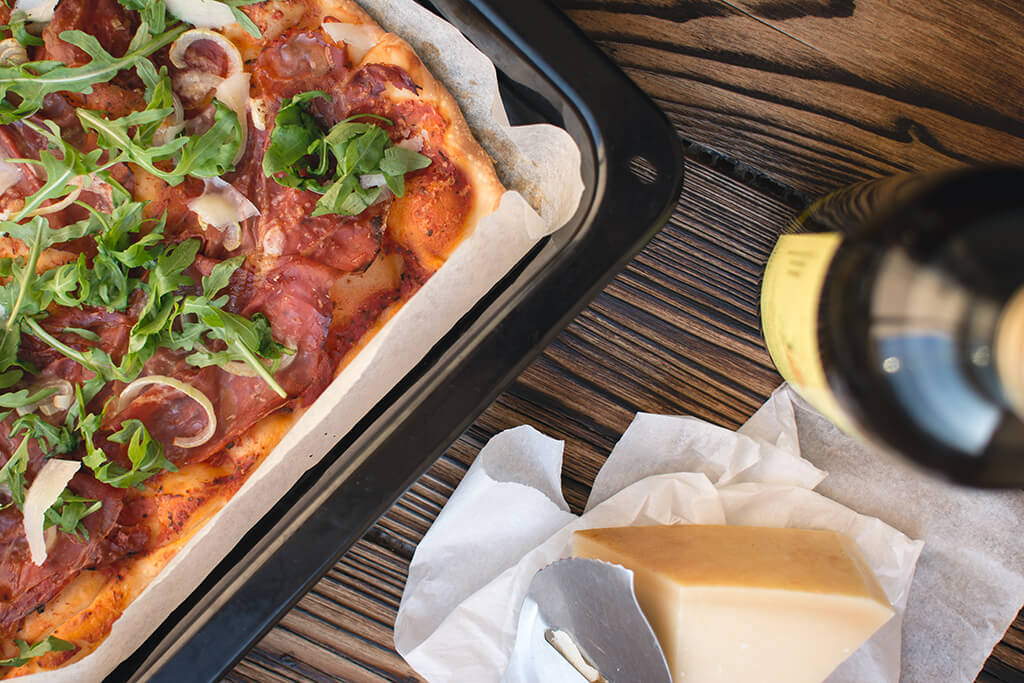
Ingredients: a store brought pizza
stepone: Read instructions on box
steptwo: Check pizza base for cardboard or foam bottom
stepthree: put in oven and set temperature, make a mental note of time you put it in and guesstimate when its going to be ready
stepfour: you forgot about it didn't you?
Again, would wrap this in ‘Recipedata’ and have it work like tags do, but its taken weeks to write this article!